


Is there a way to get free hosting to make a WordPress website? This is a question we’ve all wondered about. The short answer is yes! There are many sites that offer free WordPress hosting.
Today, we showcase and compare some of the best free WordPress hosting platforms you can use to setup a simple WordPress website for free!
Is it really free hosting? Well, as you know nothing in life is completely free. Everything has a price. In exchange for free hosting, some of these sites will force ads on your hosted websites. Some will ask you to pay to add a custom domain name. Some will use your data for marketing purposes.
However, if you’re making a simple website for development purposes, testing theme designs, or just want to demo a website for a client, these free hosting platforms will help get the job done.
Without any further ado, let’s dive into the list.
1. WordPress.com
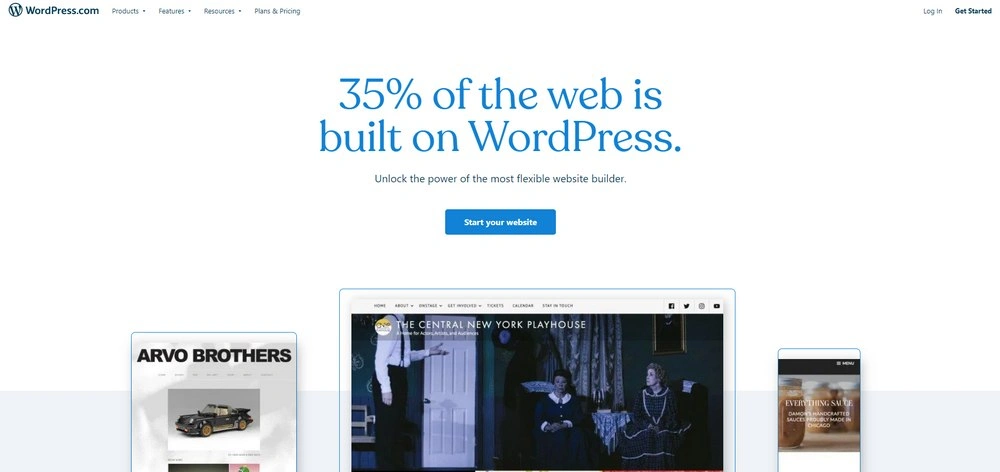
WordPress.com is a SaaS (Software as a Service) platform made by the same company behind the free CMS software. This platform lets you create a WordPress website and host it for free forever.
This is the best free option you’ll find for hosting a WordPress website. Mainly because of its ease-of-use and reliability. You can safely use it to start a personal blog or a small website without having to worry about slow performance or security threats.
Main Features
- Up to 3GB of free storage space
- No software installation required to make the website
- Free SSL certificate
- Access to a library of free WordPress themes
- Beginner-friendly control panel user interface
- Create as many websites as you want
- Ability to manage your website using the mobile app
Benefits of Using WordPress.com
- Ease of Use: You don’t have to download or install WordPress software. It’s pre-installed on the platform. And you can update your website using the free and official mobile app as well.
- Easy Setup: The registration and the website setup process is also quite easy to understand.
- Sub-Domain Name: The platform also offers a professional sub-domain name. For example, your free site domain name will look like “yourname.wordpress.com”.
- Generous Resources: In addition to 3GB of space, you also get unmetered traffic and the ability to create multiple websites as well.
Downsides to Using WordPress.com
- Forced Ads: WordPress will show ads on your website. But at least they will be decent ads from reputable companies.
- No Custom Themes & Plugins: If you want to upload a custom theme or install a plugin, you need to switch to a paid plan.
- Limited Customization: You can only customize your theme design to a certain extent.
Who Should Use WordPress.com?
WordPress.com free plan is a great option for starting a personal blog or just making a website for fun. It’s also great for learning about WordPress and how it works.
Of course, you can always switch to a paid plan to add a custom domain name and add a better-looking theme as well. Paid plans start at $4 a month.
2. WordPlace
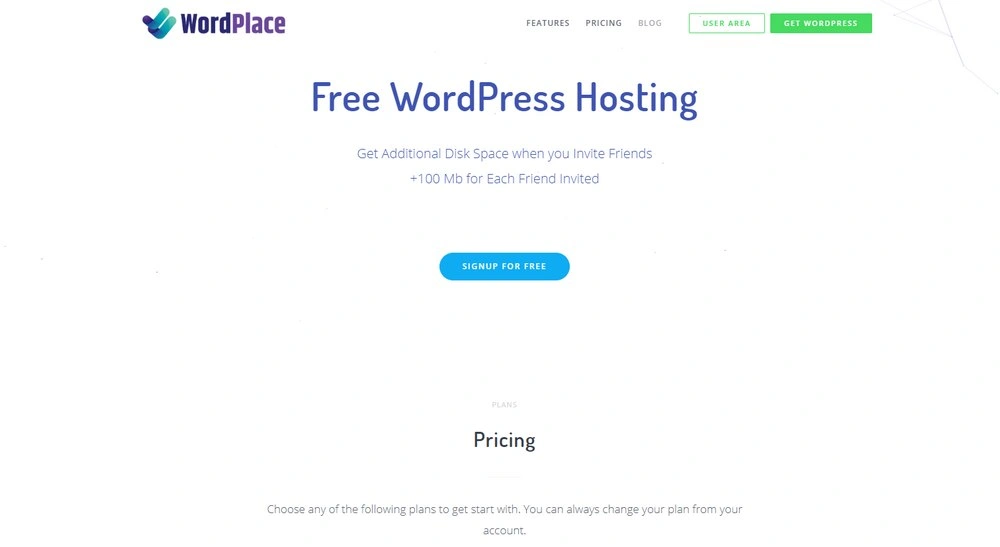
WordPlace is a new platform that provides free web hosting for building WordPress websites. This platform offers a special feature that makes it a better choice than most other free hosting sites. WordPlace lets you make a website using a custom domain name for free.
This is a paid feature on most other free hosting sites. With WordPlace, you get it for free. You also get access to DNS and a beginner-friendly control panel.
Main Features
- 500mb of free hosting space with unlimited bandwidth
- Ability to connect a custom domain name for free
- Upload and install as many plugins as you want
- Ability to manage and setup DNS
- Simple setup process for installing WordPress
- Free SSL certificate
Benefits of Using WordPlace
- Simple Setup: WordPlace has a very easy setup process for installing WordPress with just a few clicks.
- Increase Storage For Free: You only get 500mb of storage. But you can increase it by 100mb every time you invite a friend. You can invite up to 100 friends to get up to 10GB of storage.
- Custom Domain Name: The ability to connect a custom domain name is a great benefit and it can’t be stressed enough.
- Install Themes and Plugins: You get the freedom to install themes and plugins as well as customize your theme however you like.
Downsides to Using WordPlace
- Domain Name Required: A downside to using this platform is that you must have a custom domain name to make a website. It doesn’t provide you a free subdomain name.
- Adds A Backlink: WordPlace will add a backlink to their website from your site. A small price to pay for enjoying free hosting.
- Limited Hosting Space: 500mb is not enough space to make maintain a website. Thankfully, you can increase storage by inviting friends.
Who Should Use WordPlace?
WordPlace is perfect for making even a professional portfolio or a small blog as it allows you to connect a custom domain name for free. It’s also great for testing and demoing websites since you can install custom plugins and themes.
You can also upgrade to a paid plan at $19 per month.
3. x10Hosting
x10Hosting is another popular competitor among the free web hosting providers. This platform, however, offers many incredible features that make it stand out from the rest.
With x10Hosting, you get to host your website on cloud-based servers. You also get unmetered hosting space and bandwidth. You even get to add your own custom domain name to your website for free.
Main Features
- Unmetered hosting space and bandwidth
- Hosting powered by cloud-based SSD servers
- Ability to use a custom domain name
- Install WordPress with one-click
- Website builder for making static websites
- Create a custom email address
Benefits of Using x10Hosting
- Better Performance: Thanks to cloud-based hosting servers powered by SSDs, your website will perform much faster.
- Unmetered Resources: Upload as many themes and plugins as you want with unlimited storage.
- Add A Custom Domain: You get a free sub-domain when you signup for an account. But you can also connect a custom domain for free.
- Install Plugins and Themes: You can install and upload themes and plugins without any restrictions.
Downsides to Using x10Hosting
- Limited Security: x10Hosting doesn’t specify what type of security they provide. But, with 10 years of experience, we expect it to be reliable.
- Can’t Upgrade: x10Hosting doesn’t have additional plans to upgrade your hosting. You need to move to its premium site to do that.
Who Should Use x10Hosting?
X10Hosting is perfect for making all kinds of free websites. You can use it for development and testing needs. Or use it to make a personal portfolio or a small blog as well.
4. 000WebHost
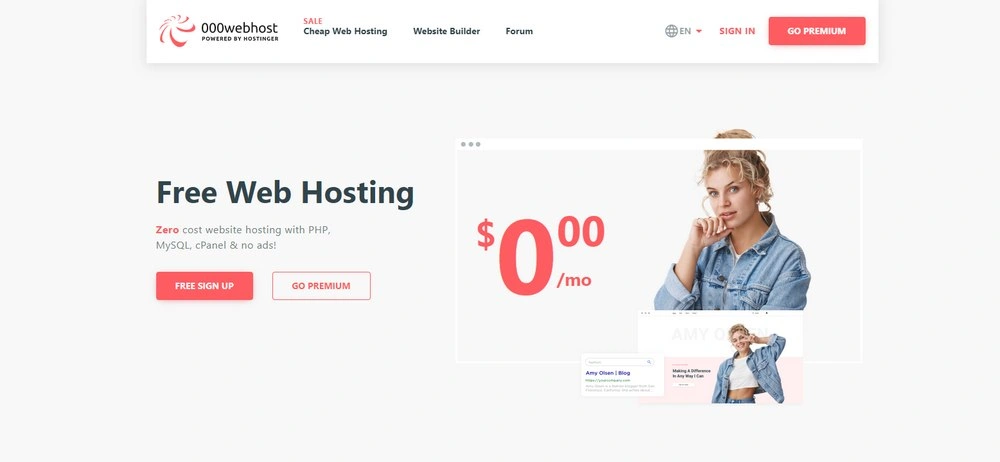
With over a decade of service, 000WebHost is one of the most reliable platforms you can use to build a WordPress website for free.
000WebHost is also one of the few free hosting sites that promise 99% uptime for websites. An added benefit is that the site doesn’t force ads on your website.
Main Features
- 300mb of storage space and 3GB of bandwidth
- Ability to make up to 2 WordPress websites
- Install WordPress with one-click using Auto Installer
- Easily manage your website using CPanel
- Comes with a website builder for making other types of websites
- Monthly website backups to keep your site safe
Benefits of Using 000WebHost
- Free Sub-Domain Name: You’ll get a free subdomain with your account similar to yourname.000webhostapp.com
- CPanel Access: With CPanel access, you can easily install WordPress or any other CMS to setup a website with a few clicks.
- Make Multiple Websites: You can create up to 2 websites using the same free hosting account
- Reliable Service: You won’t have to worry about the platform shutting down. It’s been around since 2007.
Downsides to Using 000WebHost
- Limited Space: 300mb space is certainly not enough to make a decent WordPress website.
- No Email Account: You won’t be able to create a custom email address using this service.
- Limited Security: Back in 2015 the hosting provider got hacked and it exposed details of over 13 million customers.
Who Should Use 000WebHost?
000WebHost is best for making WordPress websites for testing purposes, especially due to limited storage space.
In order to connect a custom domain name and 20GB hosting space, you can upgrade to its $2.60 per month plan.
5. AwardSpace
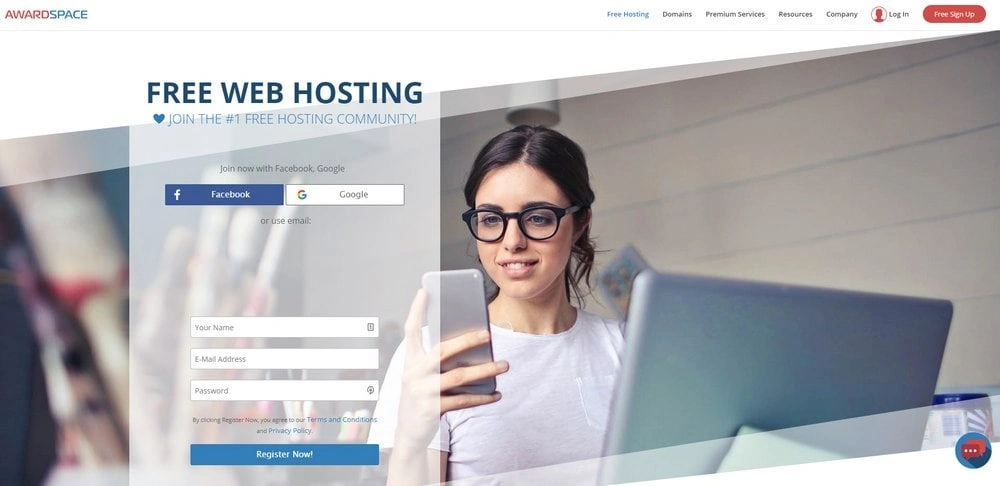
AwarSpace is another reliable free hosting site you can use to make any type of website without forced ads.
Awardspace also includes Auto Installer for installing WordPress with one-click and even lets you use a custom domain name. Another benefit of the platform is it allows you to make up to 4 websites for free.
Main Features
- 1GB of hosting space and 5GB of bandwidth
- Build up to 4 websites using the same account
- Easily install WordPress with one-click
- Connect a custom domain name and 3 sub-domain names
- Free custom email account
- Protection from spam and virus
Benefits of Using AwardSpace
- Make Multiple Websites: With the ability to make multiple websites, you can use the same account to test themes and plugins on multiple websites at the same time.
- Ad-Free: The platform does not force ads on websites hosted for free.
- Good Customer Support: Even the free plan gives you great customer support, including live chat.
- Software Auto-Installer: Using the auto-installer, you can install WordPress, Drupal, Joomla, and many other CMS software with just a few clicks.
Downsides to Using AwardSpace
- No Website Backups: The platform doesn’t provide website backups for free.
- Limited MySQL: Even though you can make multiple websites, you’re only allowed to have 1 MySQL database.
Who Should Use AwardSpace?
AwardSpace is most suitable for testing of websites. 1GB disk space is more than enough for uploading lots of plugins and themes.
The platform also offers premium plans starting at 4.69€ per month for unmetered space and bandwidth.
Which Free WordPress Host is Best?
WordPlace is the clear winner especially because of its ease of use. Being able to use a custom domain name for free and to be able to increase storage space makes it one of the best choices for making a free WordPress website.
However, if you can’t afford a custom domain name, go with x10Hosting. Since it offers unmetered space, you’ll be able to test plugins and themes without having to worry about running out of space.
Overall, you can give them all a try before deciding which is best. After all, they are Free!
If you’re looking for themes, check out our exclusive themes bundle. It gives you more than 60 premium themes for the price of one.
